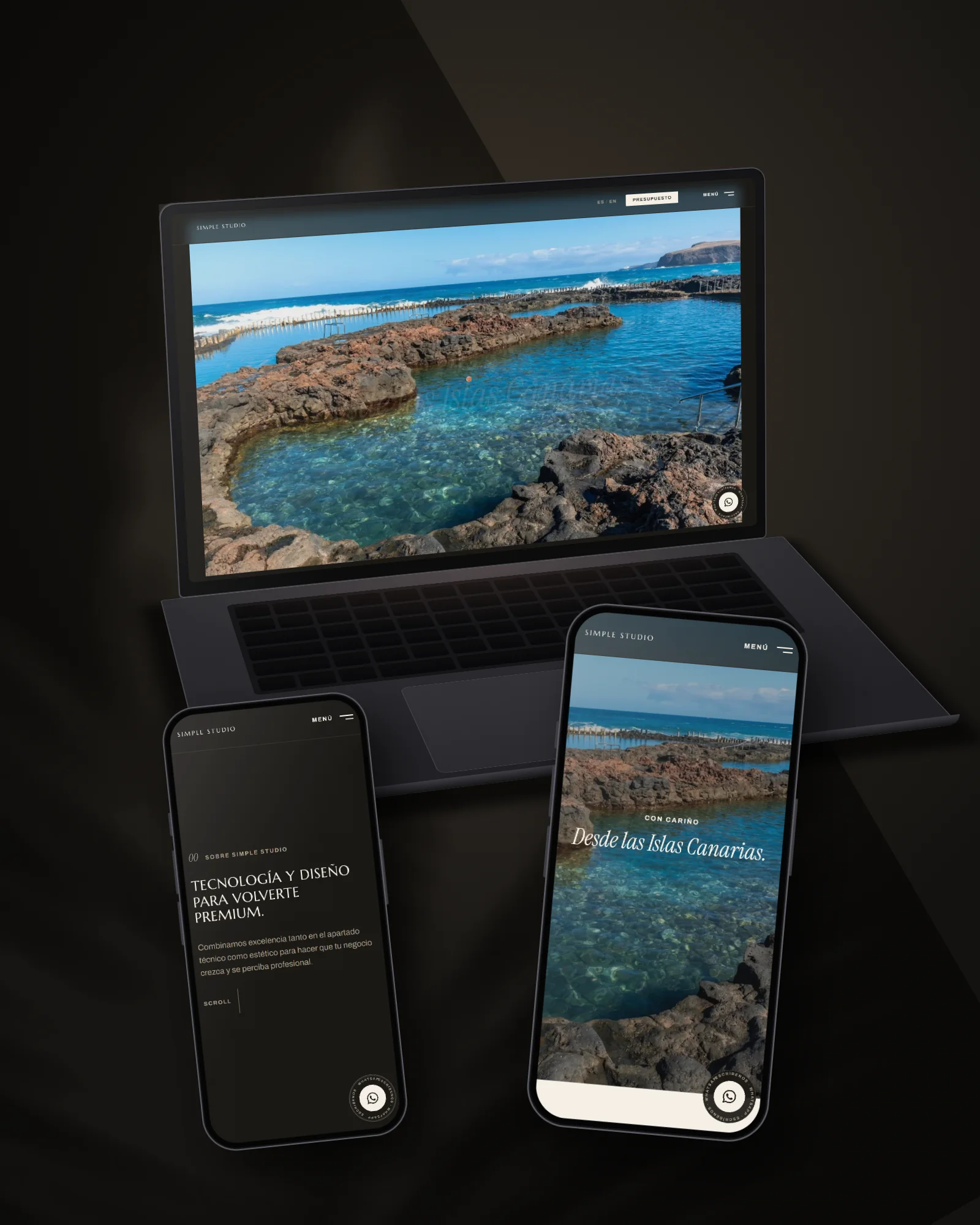








You open your own website on your phone and it takes a while. And a while longer. And in that time, someone who searched for your business on Google has already gone to a competitor. It’s not just a feeling: it’s what really happens when a WordPress website isn’t well looked after.
The most common causes of a slow WordPress website
Most of the slow websites we see in Gran Canaria fail for the same reasons, not bad luck:
- Cheap shared hosting. The same server shares resources among hundreds of websites. If another site on the server gets a traffic spike, yours slows down with it.
- Plugins piling up without a clean-out. Every installed plugin (and many keep loading code even when deactivated) adds requests and loading time.
- Uncompressed images. Uploading photos straight from a phone or camera, without optimising them, is one of the most frequent causes and one of the easiest to fix.
- Very heavy themes and page builders. Some “all-in-one” themes load CSS and JavaScript for features you never use.
- No caching. Without caching, WordPress rebuilds every page from scratch on every visit, instead of serving a version that’s already been generated.
Why speed really matters
It’s not just about convenience. The link between loading speed and whether a visitor stays or leaves has been studied a lot:
| Loading time | Bounce rate (visitors who leave without doing anything) |
|---|---|
| 1-3 seconds | ~7% |
| 5 seconds | ~38% |
(Data: Tooltester, website loading time statistics 2026)
And on mobile, the margin is even tighter: almost half of users expect a website to load in 4 seconds or less. If yours takes longer, you’re not “losing a bit of traffic”, you’re losing customers who were already looking for you.

How to tell whether your website is really slow
You don’t need to guess. Free tools like Google PageSpeed Insights give you a specific score (and tell you exactly what’s holding it back: images, plugins, hosting, etc.). If that score has been in the red for months and nobody has touched it, there’s your answer to why visits don’t turn into calls.
What to do to fix it
- Move to quality hosting. Even if it costs a bit more a month, the difference in speed is usually noticeable from day one.
- Turn on a properly configured caching system, not just one installed with the default settings.
- Compress every image before uploading it, or automate it with an optimisation plugin.
- Audit your installed plugins and remove the ones you don’t really use.
- If the website has years of patches on top, sometimes it pays more to rebuild it properly from the ground up than to keep mending it.
If your WordPress website has been slow for a while and you don’t know where to start, we can review it and tell you exactly what’s slowing it down. And if what you need is a diagnosis with a fixed price before changing anything, you can request a quote here or contact us directly by phone or WhatsApp.